
Download Animated GIF Creator – create animated GIF, GIF maker, create GIF from images, make GIF, animated GIF tool, GIF creator app
Overview
Animated GIF Creator is a dedicated mobile tool designed to simplify the process of transforming static images into engaging animated GIFs. The app serves as a practical solution for users who want to create dynamic visual content quickly and efficiently without the need for complex software. It targets individuals seeking a lightweight, accessible way to produce animated content for social media, messaging platforms, or personal projects. The app’s straightforward purpose is to empower users—regardless of technical skill level—to craft custom GIFs with minimal effort.
By focusing on a five-step workflow, the app streamlines the creation process, reducing friction and enhancing usability. It addresses the common challenge of finding intuitive tools for GIF creation on mobile devices, especially for those who lack access to desktop-based editing software. The app is particularly useful for content creators, casual users, and educators who need to generate visual explanations or expressive media.
Although the developer did not provide additional background information, the app’s longevity since its release in 2014 suggests consistent functionality and user relevance. Its continued availability on Android indicates ongoing support. The app fits within the broader productivity ecosystem by offering a niche yet valuable utility that enhances digital communication and creative expression on smartphones.
Key Features & Functionality
- User-Friendly Interface: The app features a clearly structured interface divided into five distinct steps, each represented by a tab. This organization ensures users can follow the process without confusion, making it ideal for beginners and experienced users alike.
- Support for Multiple Image Formats: Users can import images in various formats, including BMP, PNG, JPEG, and others. This compatibility eliminates the need for prior conversion, enabling seamless integration of media from different sources.
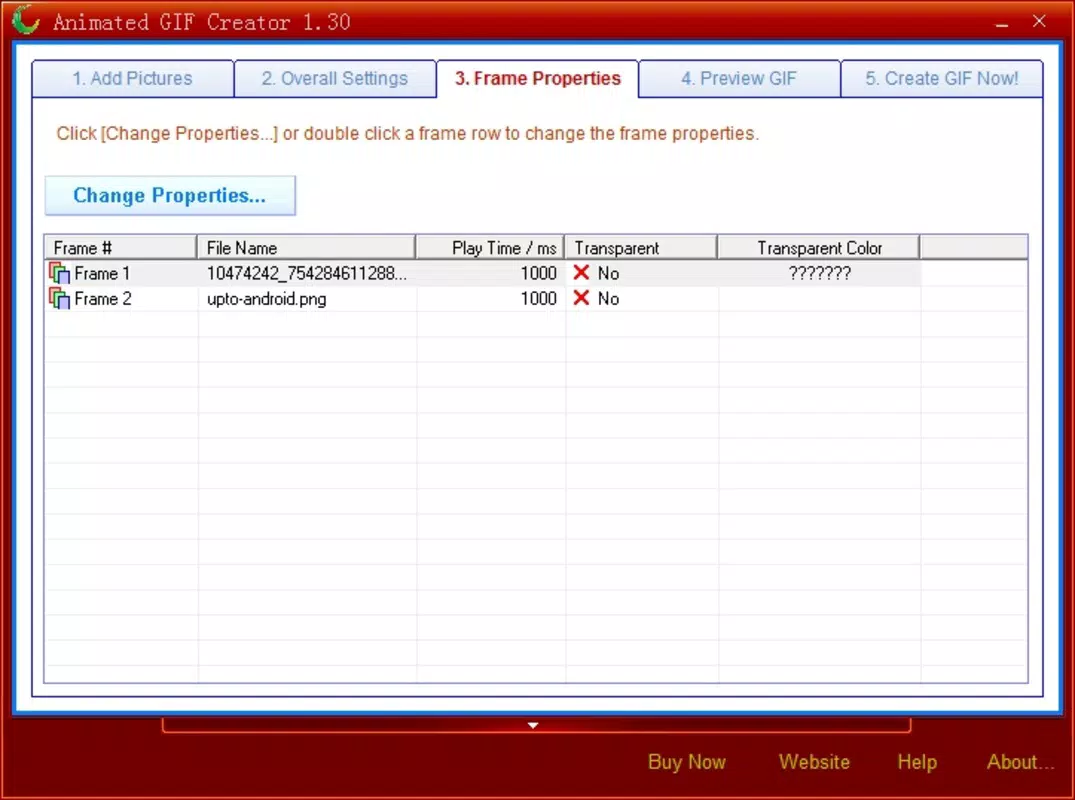
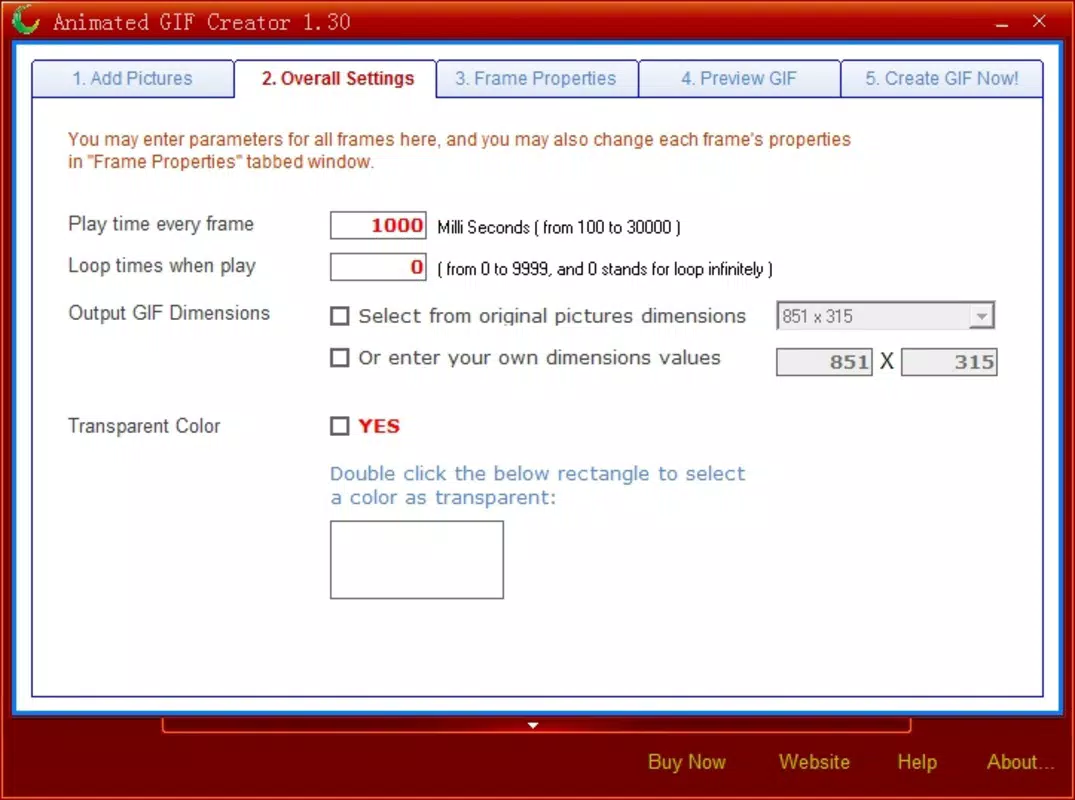
- Customizable Animation Settings: The app allows users to adjust the duration of each image in the sequence and define the final GIF dimensions. This flexibility enables users to tailor animations to specific platforms or aesthetic preferences.
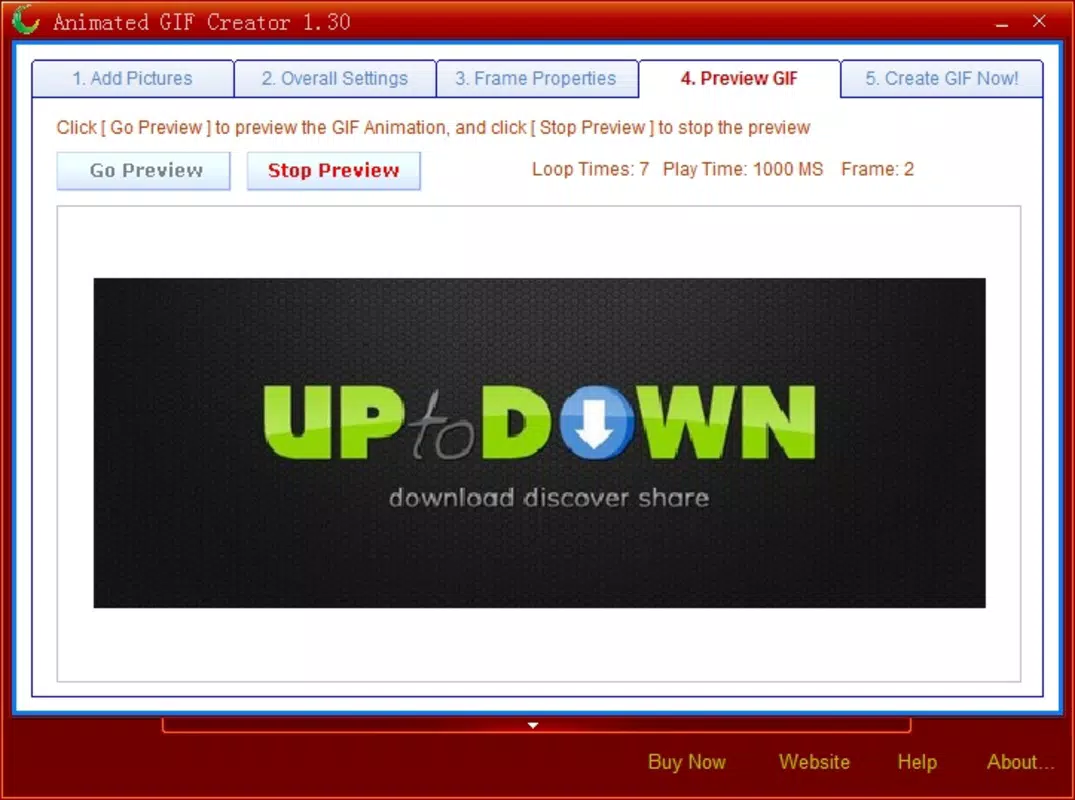
- Instant Preview Function: Before finalizing the GIF, users can preview the animation in real time. This feature helps assess timing, transitions, and overall visual flow, reducing the likelihood of dissatisfaction with the final output.
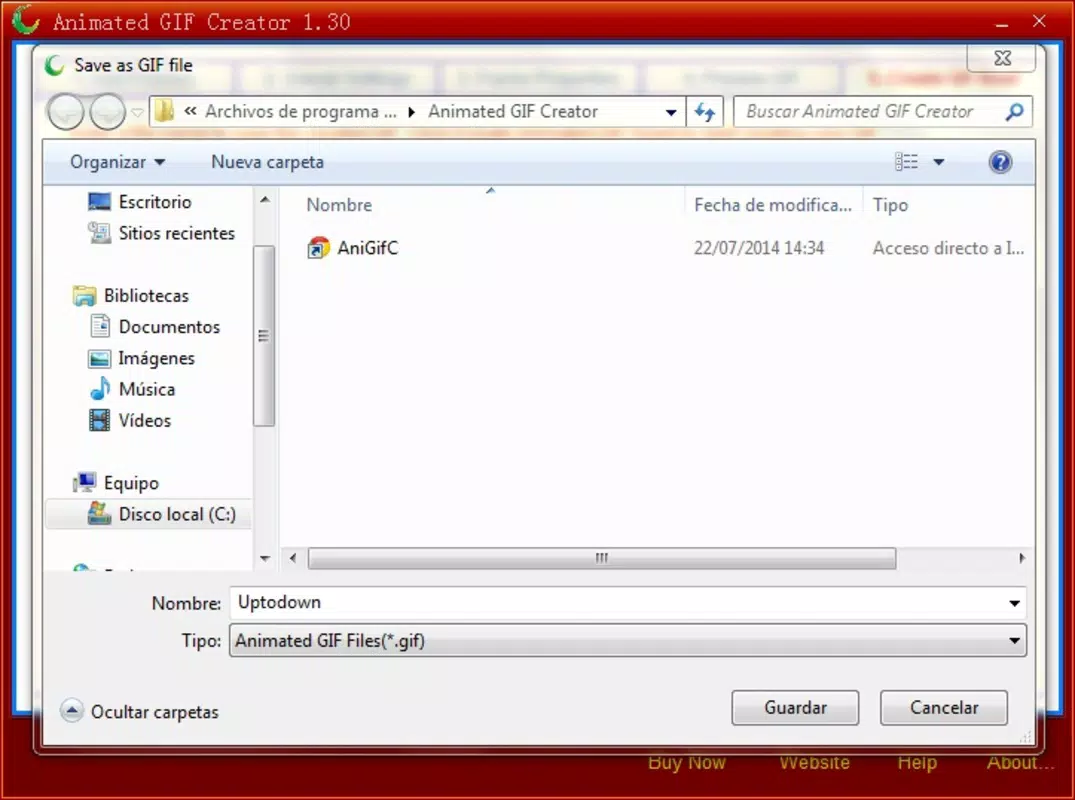
- Streamlined Five-Step Creation Process: The workflow is broken down into logical stages: adding images, setting timing, adjusting size, previewing, and exporting. This step-by-step guidance ensures a smooth and predictable user journey.
For example, a user could compile a series of photos from a vacation into a looping animation, adjusting the duration of each image to match the pace of the story. Another user might create a simple animated message by combining text images with timed transitions. The app’s functionality supports both casual and creative use cases with practical efficiency.
Interface, UX & Performance
The interface of Animated GIF Creator is designed around clarity and simplicity. Each step in the creation process is visually separated, using tab-based navigation that minimizes cognitive load. The layout prioritizes essential actions, with intuitive icons and minimal text, contributing to a clean and uncluttered experience. Users can easily move between steps without losing progress or encountering navigation errors.
Navigation is linear and predictable, following the five-step sequence. The app maintains state across steps, ensuring that users do not need to re-upload images or reconfigure settings when returning to a previous stage. This consistency enhances the overall user experience and reduces frustration.
Although the developer did not list formal performance metrics, the app’s lightweight size of 15.5 MB suggests optimized resource usage. It is likely to run smoothly on a range of Android devices, including mid-tier and older models. Responsiveness appears to be consistent, with minimal lag during image loading and preview rendering. Stability is implied by the app’s long-standing presence in the market, though no specific crash reports or update logs were provided.
Platform Compatibility & Technical Requirements
Animated GIF Creator is available exclusively on the Android platform. The current software version is 1.2.2, with a file size of 15.5 MB. This compact footprint makes it suitable for devices with limited storage capacity.
Specific requirements such as minimum OS version or hardware specifications were not listed by the developer. As a result, compatibility with older or newer Android versions cannot be confirmed. Users are advised to check their device’s compatibility through the official app store before installation. The app is free to download and install, with no in-app purchases or ads disclosed in the provided information.
Pros and Cons
Pros
- Simple, intuitive interface ideal for beginners and non-technical users
- Supports multiple image formats without requiring conversion
- Five-step workflow ensures a clear and structured creation process
- Instant preview helps users refine animations before export
- Lightweight file size (15.5 MB) for efficient storage use
Cons
- Developer did not provide specific OS compatibility details
- No information on supported export formats beyond GIF
- Version history and update frequency were not disclosed
- Platform availability limited to Android only
- Missing details on file export quality or resolution options
FAQ
Is Animated GIF Creator safe to download and use?
The app is free and available through official Android distribution channels. While no third-party verification was provided, its long-standing presence suggests it does not contain malicious components.
Can I use Animated GIF Creator on iOS devices?
Currently, the app is only available on Android. There is no official version for iOS devices.
Does the app support video-to-GIF conversion?
The provided information does not mention video input. The app is designed to work with static images only.
How often is the app updated?
The developer did not disclose update frequency or version history. Users should check the app store for the latest release.
Is there a limit on the number of images I can use in a GIF?
No specific limit was mentioned. The app likely supports a reasonable number of images based on device memory and processing capacity.
Final Thoughts
Animated GIF Creator delivers a focused and functional experience for users who need a reliable tool to create animated GIFs from images. Its clean interface, logical workflow, and support for multiple formats make it a practical choice for casual creators and educators alike. While some technical details remain unspecified, the app’s simplicity and efficiency stand out in a crowded market of digital tools.
It excels as a lightweight, no-frills solution for mobile users who value ease of use over advanced editing features. For anyone looking to produce engaging visual content quickly on Android, this app offers a straightforward path to success.
Download Animated GIF Creator now


